

Post once. Show up everywhere

















CEO & Co-founder The Startup Nerds


Author, Speaker, Evangelist

Founder, Seriously Social

Author, Consultant & Speaker
Built for Every Platform Your Agency Uses


Advanced distribution and engagement tools for agencies

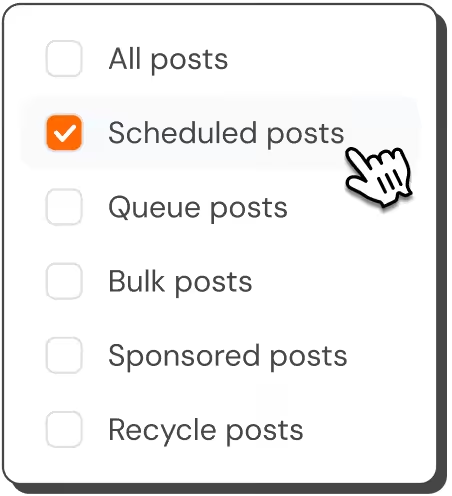





Visualize your content pipeline
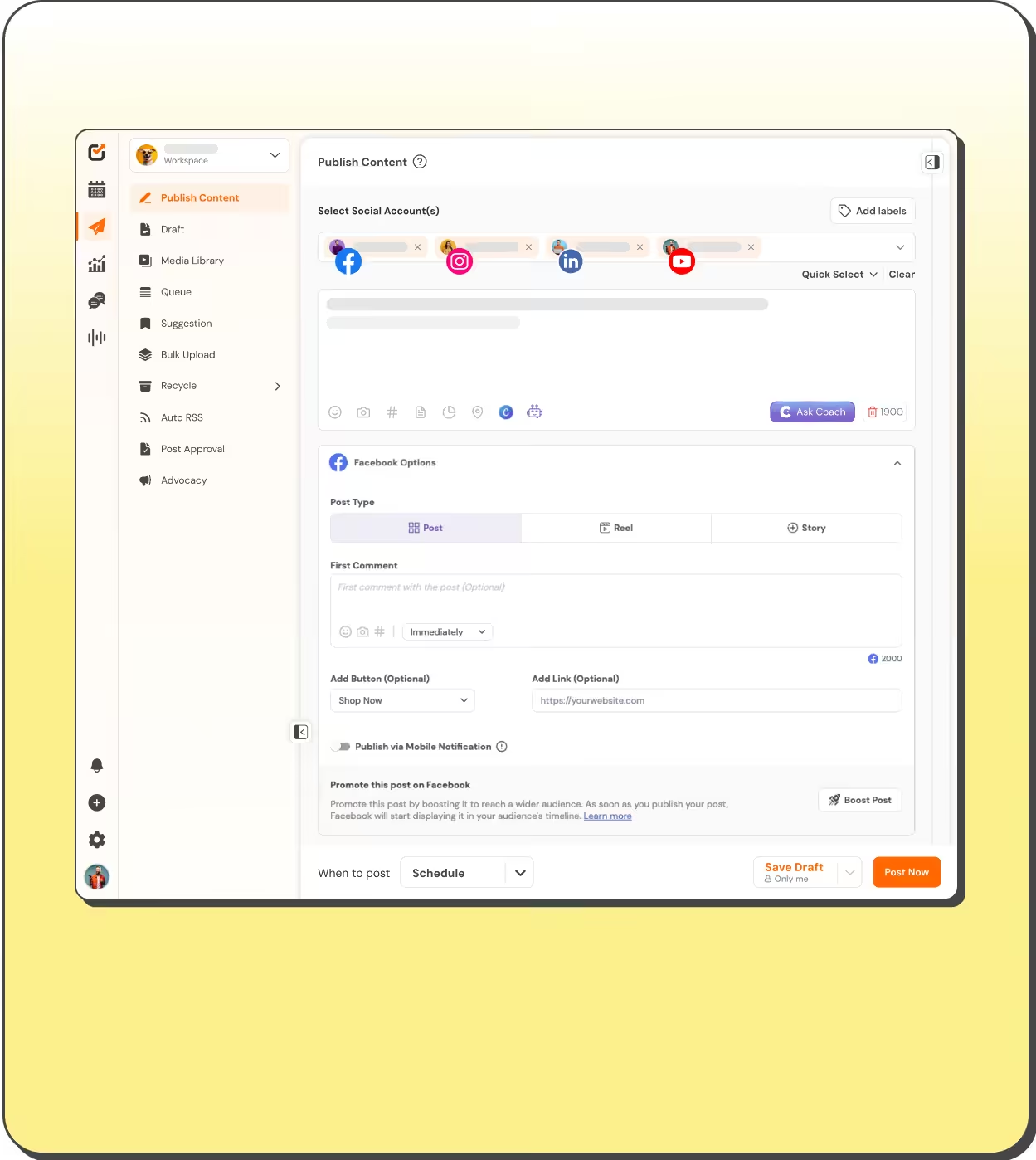



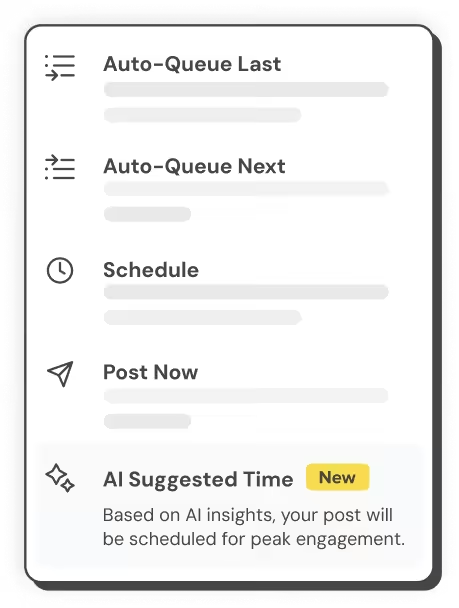

Scale Your Content Distribution
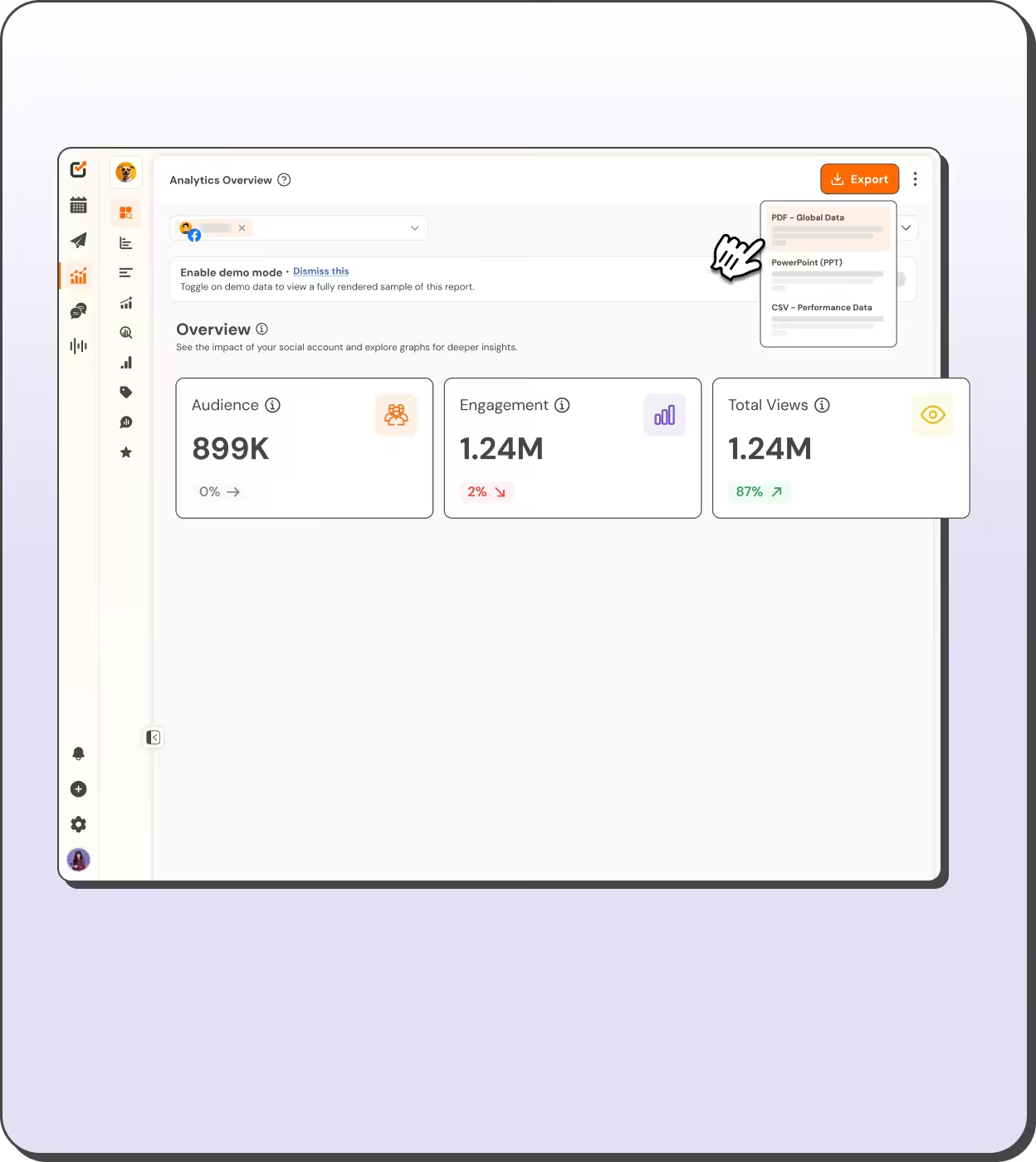
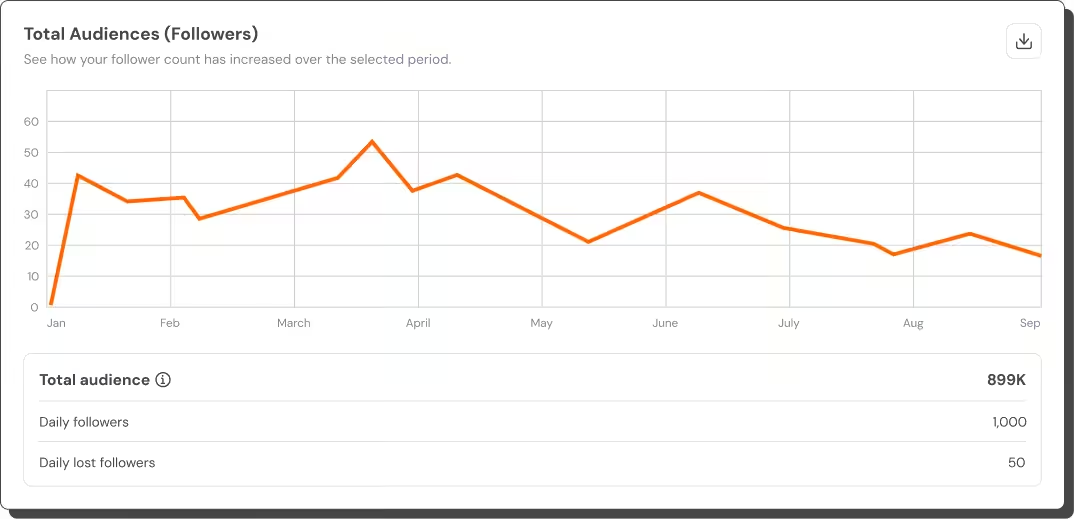

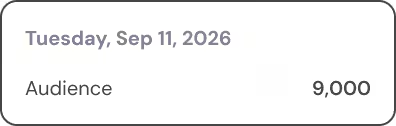

Validate your strategy with rich data
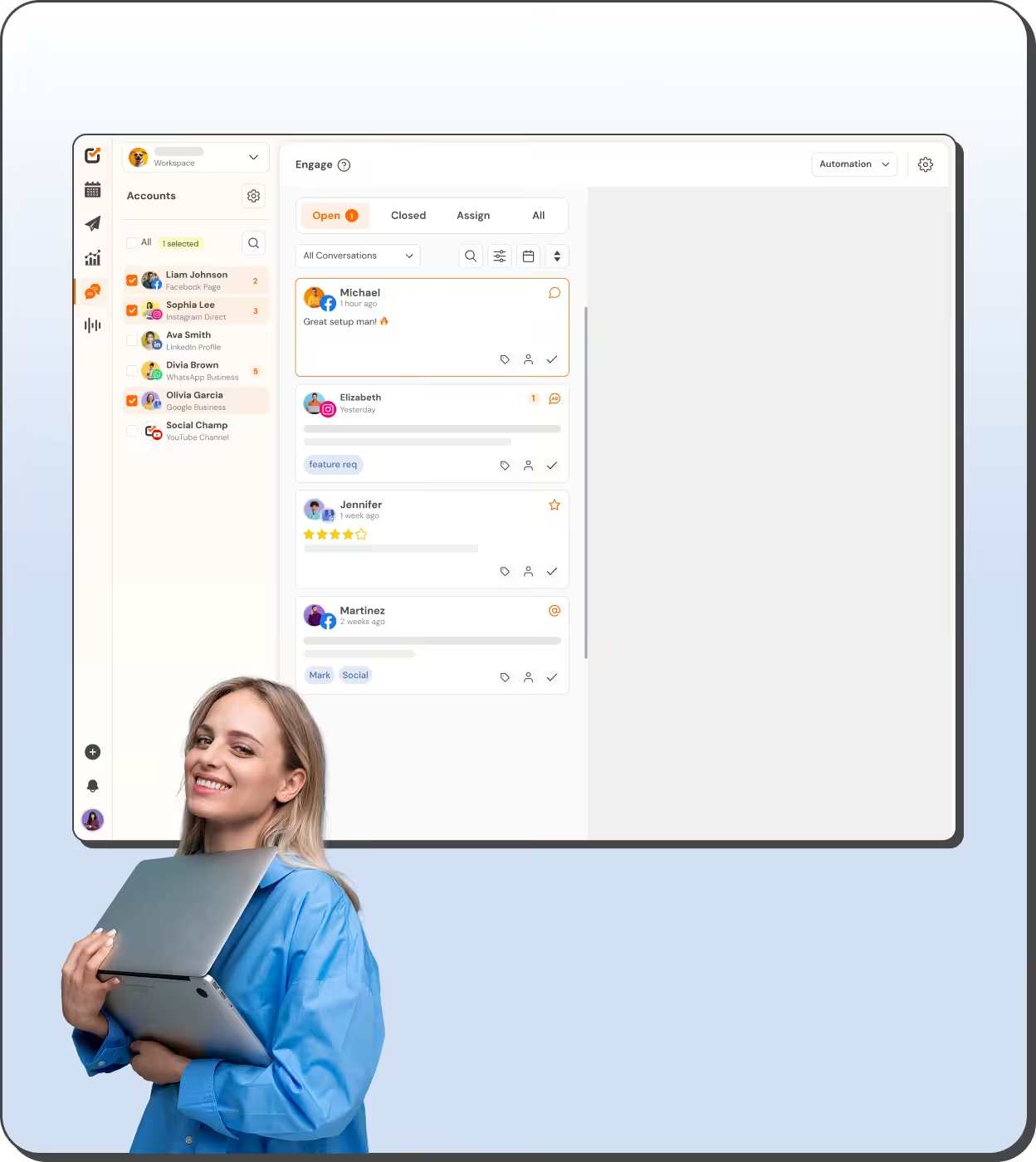
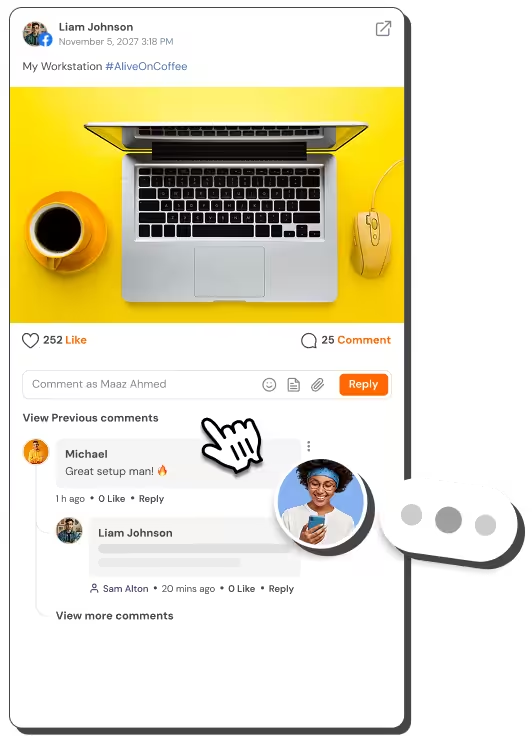
Unify your community response
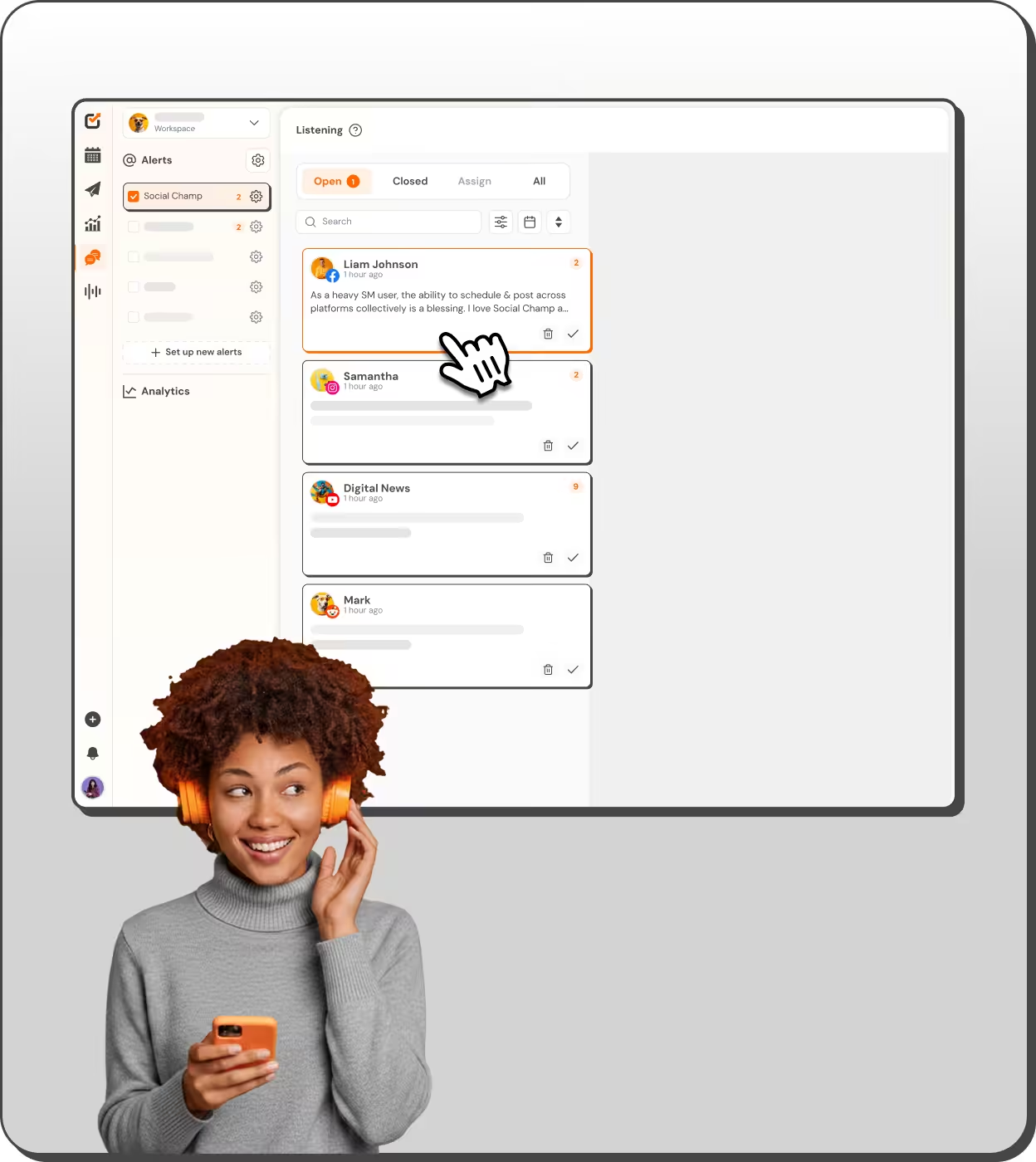


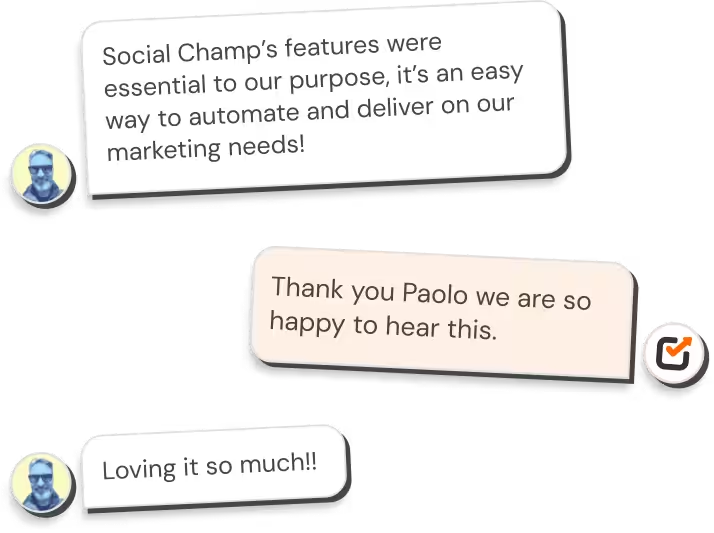
Protect your brand’s reputation
Everything you need to scale your agency
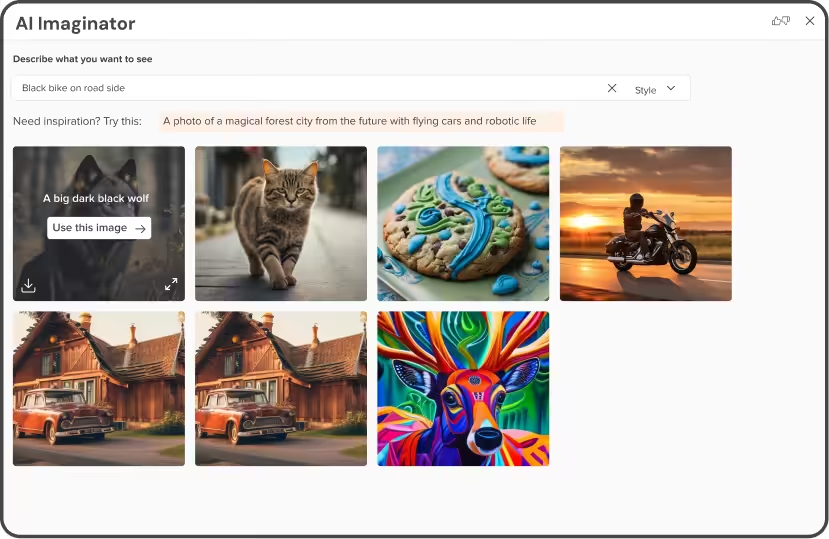







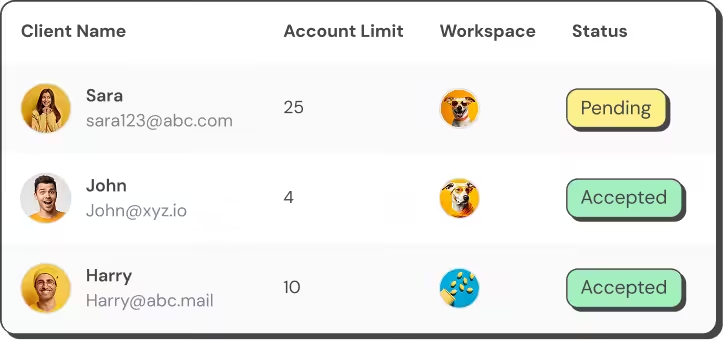
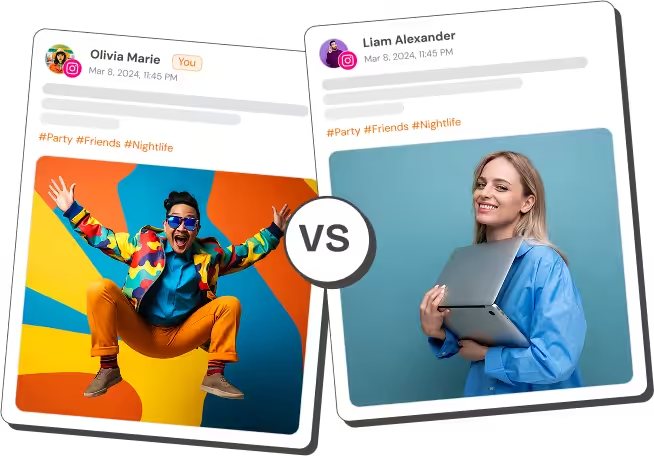
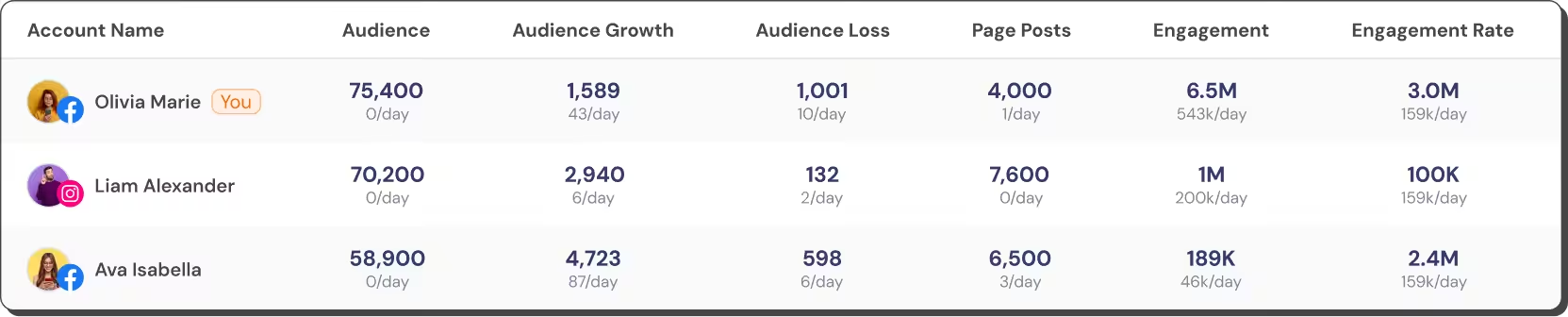

Handle more clients without adding more chaos.


Stay visible while running the business.



One brand. Hundreds of voices. Zero confusion.



The next step in your agency's growth
Why teams love Social Champ



Speed up your workflow






Frequently asked questions
What is Social Champ?
Social Champ is a social media management platform for agencies and marketing teams. It schedules and publishes posts across 12+ platforms, with analytics, a unified inbox, social listening, approval workflows, and white-label PDF, PPT, and CSV reports, from one dashboard.
Beyond scheduling, it adds:
- AI content tools for captions, images, and hashtags.
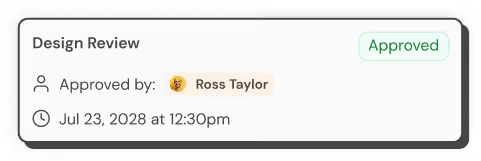
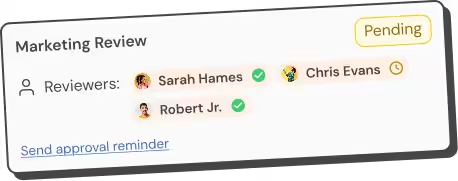
- Multi-step and single-step approval workflows.
- Competitor analysis and cross-platform analytics.
- Bulk uploading and hashtag grouping.
- Brand Advocacy tools for employee sharing.
Social Champ runs on the web, a browser extension, and iOS and Android apps.
What social media platforms does Social Champ support?
Social Champ supports 12+ platforms: Facebook, Instagram, Threads, LinkedIn, Google Business Profile, Pinterest, TikTok, YouTube, Mastodon, Bluesky, X (Twitter), and WhatsApp Business. It also manages Google Play, App Store, and G2 reviews, routes Discord messages into the Engage inbox, and connects Salesforce, HubSpot, and Google Analytics 4 for CRM and reporting.
Is Social Champ free?
Yes. Social Champ’s free forever plan includes 3 social accounts, 1 user, and up to 15 scheduled posts per profile. Paid plans start at $4 per profile per month, billed annually, with bundled plans starting at $23 per month. Every paid plan starts with a 14-day free trial, no credit card required.
Does Social Champ offer white label reporting?
Yes, on the Agency and Enterprise bundles and on the Growth and Enterprise pay-per-profile plans. You can replace platform branding with your own logo, pick a visual theme, set custom report titles, and add your own notes or summary for the client. Finished reports export as PDF or PPT, or you can share a live link so clients view performance without needing an account. See the full breakdown on the white label reporting page.
How do I sign up for Social Champ?
Sign up at socialchamp.com/signup with your email, choose the free forever plan or a 14-day free trial (no credit card), then connect your social accounts and start scheduling. For a guided start, book a live demo, or visit the Helpdesk for step-by-step guides.
Does Social Champ offer any AI features?
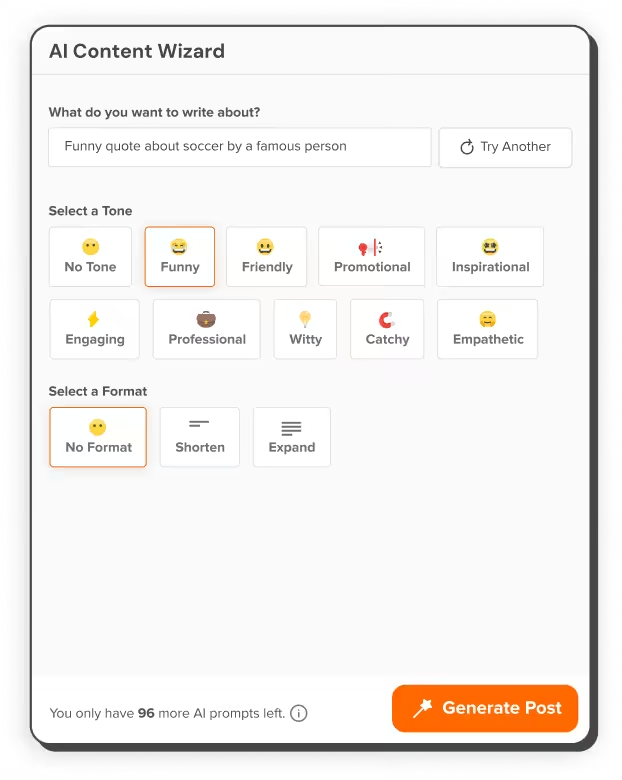
Yes. Switch, Social Champ’s AI assistant, acts on request inside the app: it drafts and schedules posts, generates images, suggests hashtags, and rewrites captions. Brand Voice keeps output on-brand, sentiment analysis reads audience tone, and best-time recommendations pick posting slots. Social Champ also runs an MCP server, so external AI assistants can manage your calendar.
What are the different Social Champ plans?
Social Champ has two pricing paths: pay-per-profile plans and flat-rate bundles. The Free and Enterprise plans are offered in both.
Pay-per-profile:
- Starter ($5/account per month): for solopreneurs. Unlimited scheduling, bulk uploading, auto-RSS feeds, and 6 months of analytics data. (Annual billing: $4/account)
- Growth ($9/account per month): for scaling teams. Unlimited users and workspaces, collaboration workflows, social listening, and white-label reporting. Accounts 11 and up cost less: $4 each for 11 to 20, $3 for 21 to 40, and $2 for 41 or more. (Annual billing: $8/account)
Flat-rate bundles:
- Free ($0/mo): 3 social accounts, 1 user, and 15 scheduled posts per profile.
- Standard ($29/mo): 6 social accounts, 2 users, and 100 AI Content Wizard and 50 AI Imaginator credits a month. (Annual billing: $23/mo)
- Professional ($59/mo): 12 social accounts, 5 users, unlimited workspaces, and approval workflows. (Annual billing: $47/mo)
- Agency ($149/mo): 30 social accounts, unlimited team members, social listening, white-label reports, and 500 AI Content Wizard and 250 AI Imaginator credits a month. (Annual billing: $119/mo)
- Enterprise (custom): API access, HubSpot/Salesforce integrations, and dedicated support.
See the full breakdown and cost calculator on the pricing page.
How do I upgrade my current Social Champ plan?
Upgrade from your dashboard:
- Log in, click your profile icon, and choose “Billing Settings”.
- Click “Change Plan” to compare plans.
- Pick monthly or annual billing. Annual saves up to 20%, depending on plan.
- Review the order summary, enter payment details, accept the Terms, and click “Pay Now”.
The upgrade applies instantly. For a walkthrough, see the Social Champ Helpdesk.